Date Settings
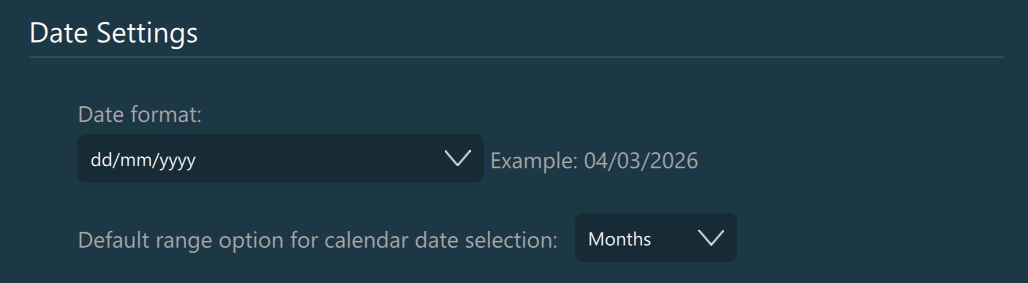
To change the global date format, select the preferred type from the drop-down list. You can see a preview of the selected date format next to the dropdown. The default value of the date format is yyyy.mm.dd.
The format abbreviations are:
y - stands for year
m - stands for month
d - stands for day
The number of letters represents the number of digits in the date. (e.g. yyyy = 2022; yy = ‘22)
To change the default range mode for the VisioVIEW calendar, choose one of the three available options in the dropdown (Days, Months, Years). The default value of the range mode is Months.