Other Settings
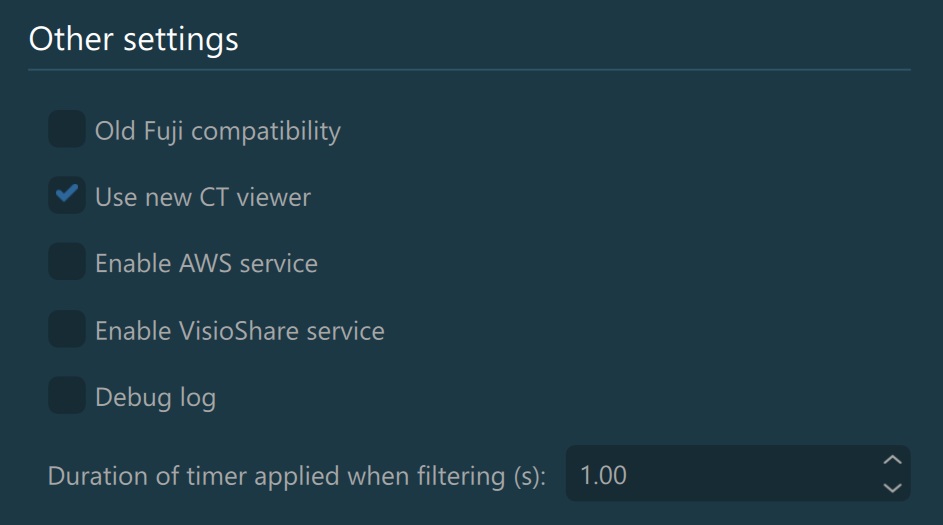
Old Fuji Compatibility: Toggle whether the VisioVIEW software is compatible with old Fuji machines and modalities.
Use New CT Viewer: Activate the new advanced VisioVIEW CT Viewer, offering 3D Multiplanar Reconstruction (MPR), a dedicated 3D rendering of the the body, and a specialized Curved MPR (CMPR) view.
Enable AWS Service: Activate the Amazon CloudFront content delivery network and the AWS services as part of the VisioVIEW software. Automatically upload and send DICOM files and images via the AWS services by providing a download link via email.
Information
More information about VisioShare can be found here: VisioShare.
Debug Log: Toggle whether the VisioVIEW software continuously logs information about application events, allowing for better maintenance support of the software.
Duration of timer applied when filtering: Set the timer duration of the automatic filtering in the Study Browser. Supported values range from 1 to 5 seconds.
Application Update Settings
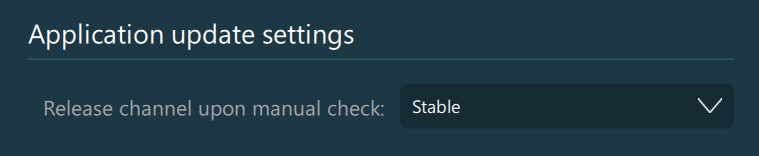
The VisioVIEW software updates can be released under Stable or Beta versions. Users have the freedom to choose the specific release channel to be queried when manually requesting a software update.
Support Contact Information
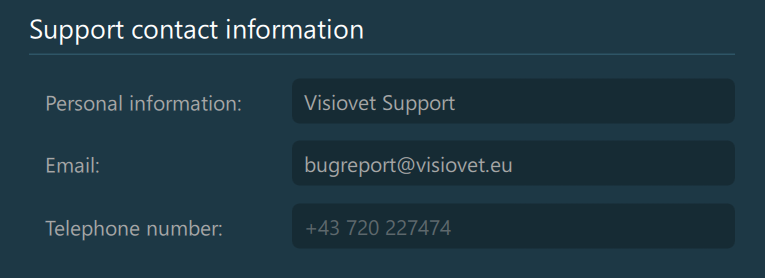
Specify the contact information of the dedicated support for the VisioVIEW software. These settings should only be modified by authorized personnel or IT administrators.
Change Password
Authorized personnel or IT administrators can change the password used to access the Advanced Settings. Press the Change settings password button to open the confirmation dialog and enter the current and new password accordingly.

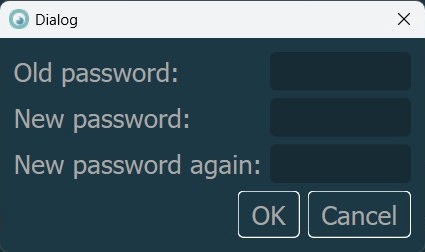
Confirm the new password by entering it twice and pressing the OK button. To cancel the operation and keep using the current active password, press Cancel.