Startup Options
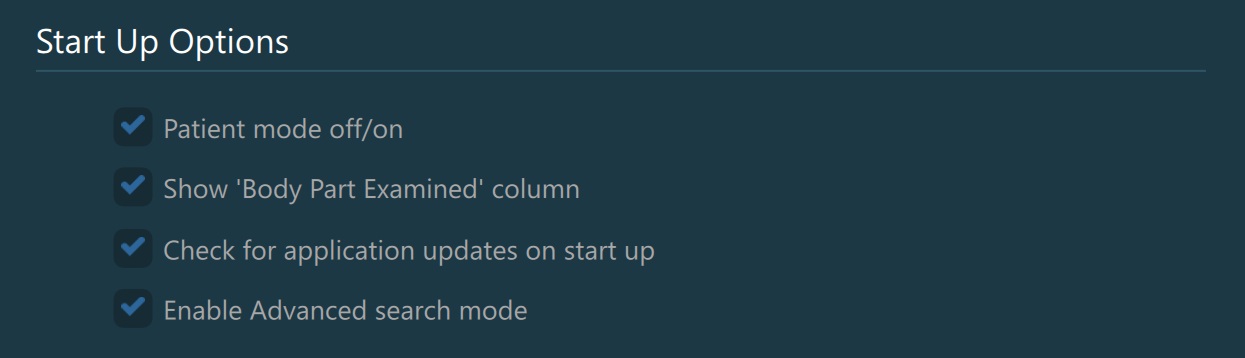
Patient Mode Off/On: Toggle whether the user has the option to switch between Patient and Study mode in the Study Browser.
Show ‘Body Part Examined’ Column: Toggle whether the additional
Body Part Examinedcolumn should be visible in the expanded study list in the Study Browser.Check for Application Updates on Start Up: When toggled on, the software automatically checks for any available updates each time it starts up.
Enable Advanced Search Mode: Dictate the default search mode on application startup. When toggled on, the default search mode in the Study Browser is Advanced.