Split/Merge studies
In addition to the ability to edit the patient/study/series information, the software also offers the opportunity to split/merge studies and their series.

To split/merge studies, select the desired patients, studies, or individual series from the Study List and press the Split/Merge studies icon in the Study Browser toolbar.
Caution
This feature can lead to unexpected consequences and is reserved for advanced users only. DICOM files and their metadata information will be modified during the operation.
To prevent unauthorized access to this feature, the Split/Merge studies dialog is password protected, similar to the advanced settings.
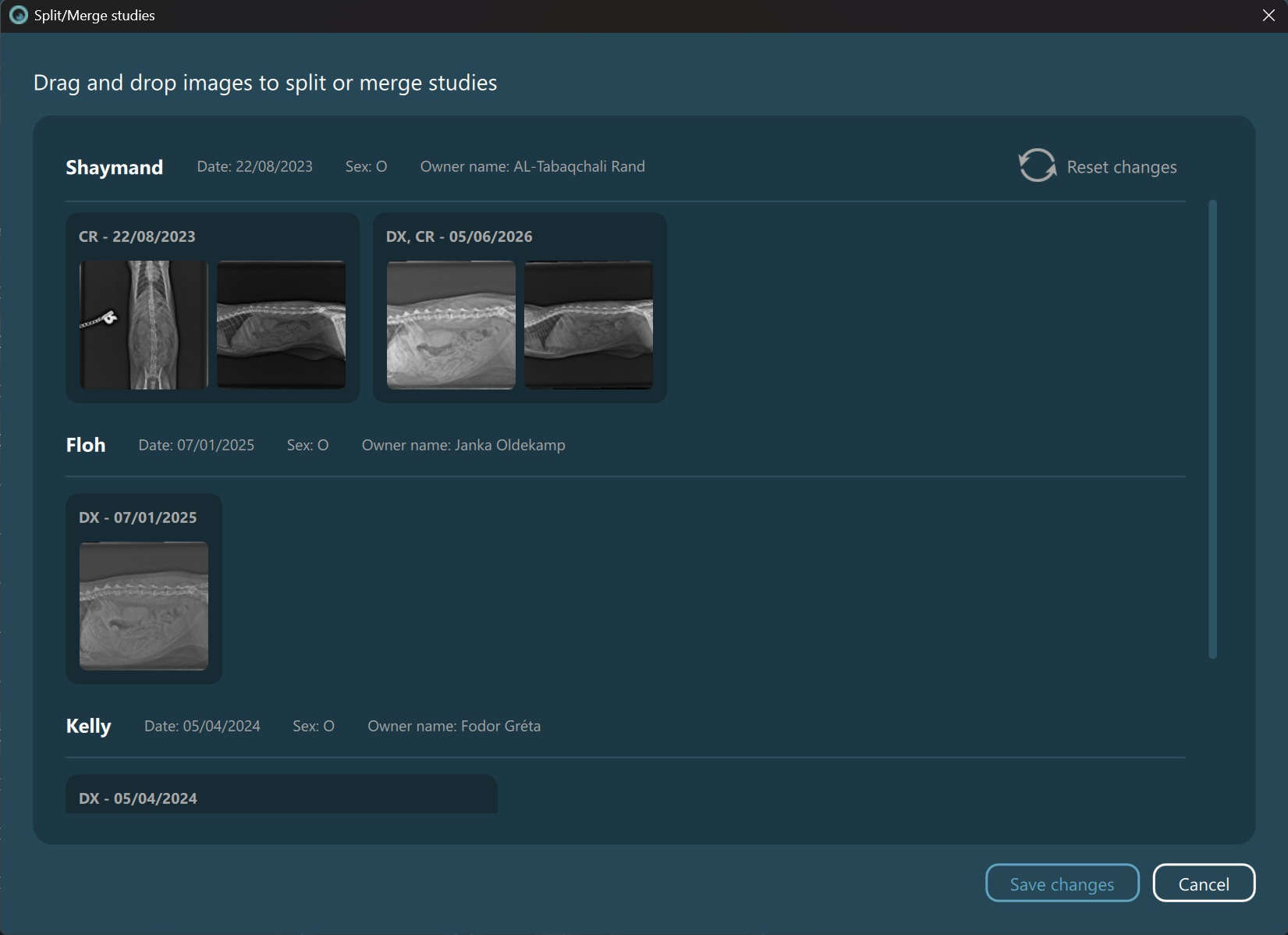
The selected studies and their series will be outlined in the dialog similar to how they are in the Preview Pane. In order to split/merge studies and/or their series, simply select the desired and using the drag & drop mechanism, place them in an existing study in the preview to merge them, or split them in a new study altogether. The study date and the modality of the new study will be automatically defined.
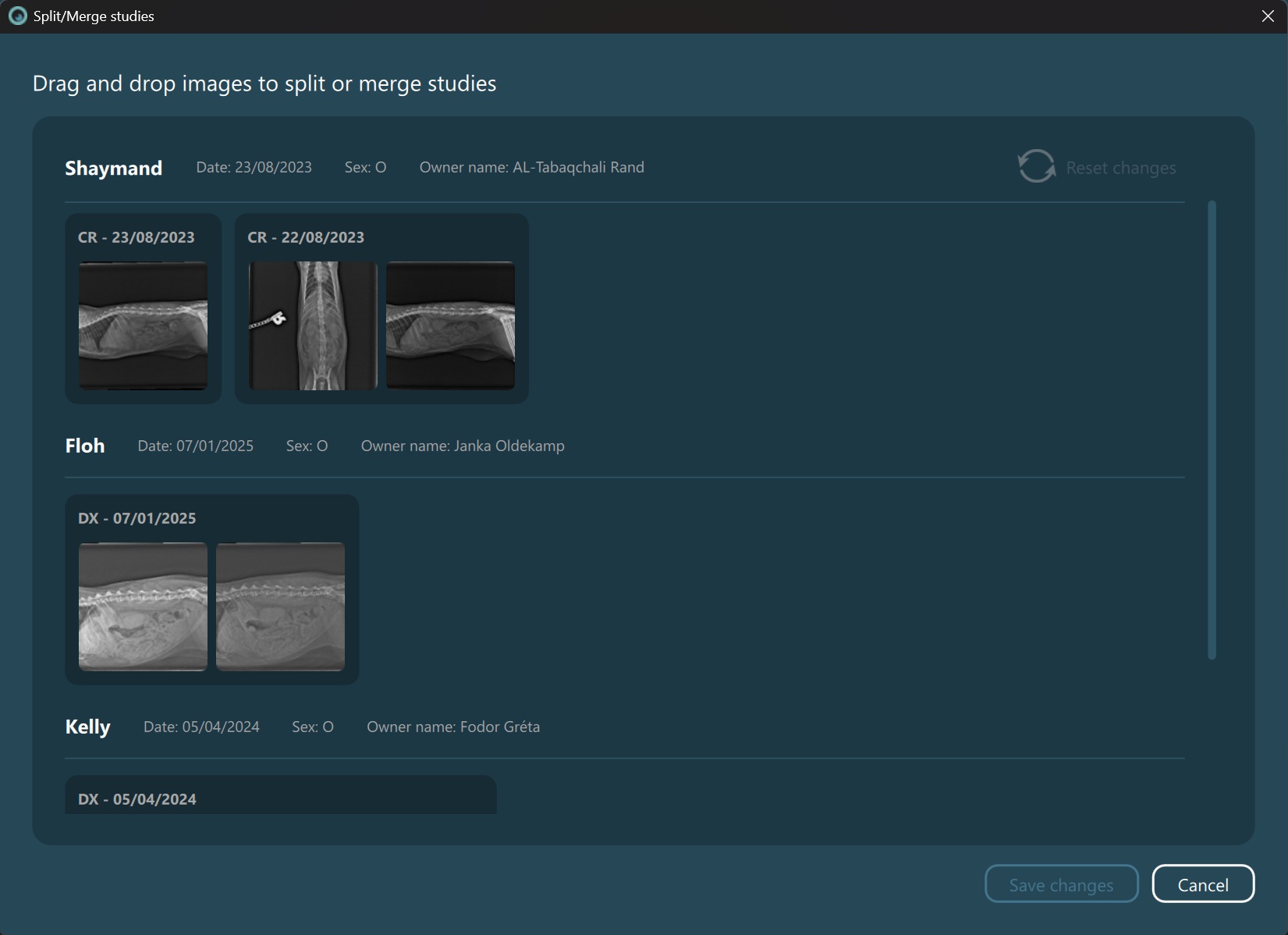
Selected series have been designated to split into a new study:
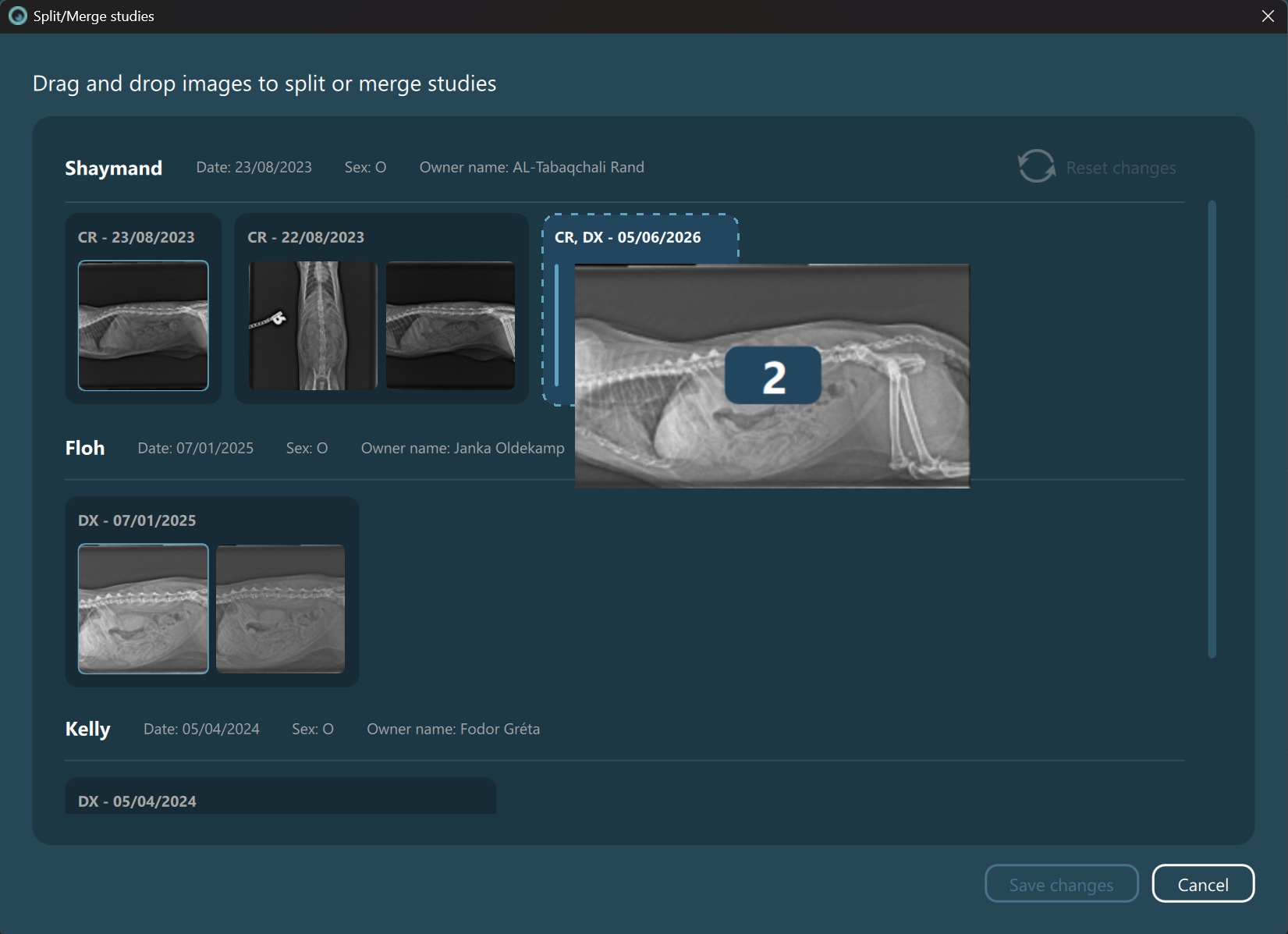
Selected series have been designated to be merged into an existing study:
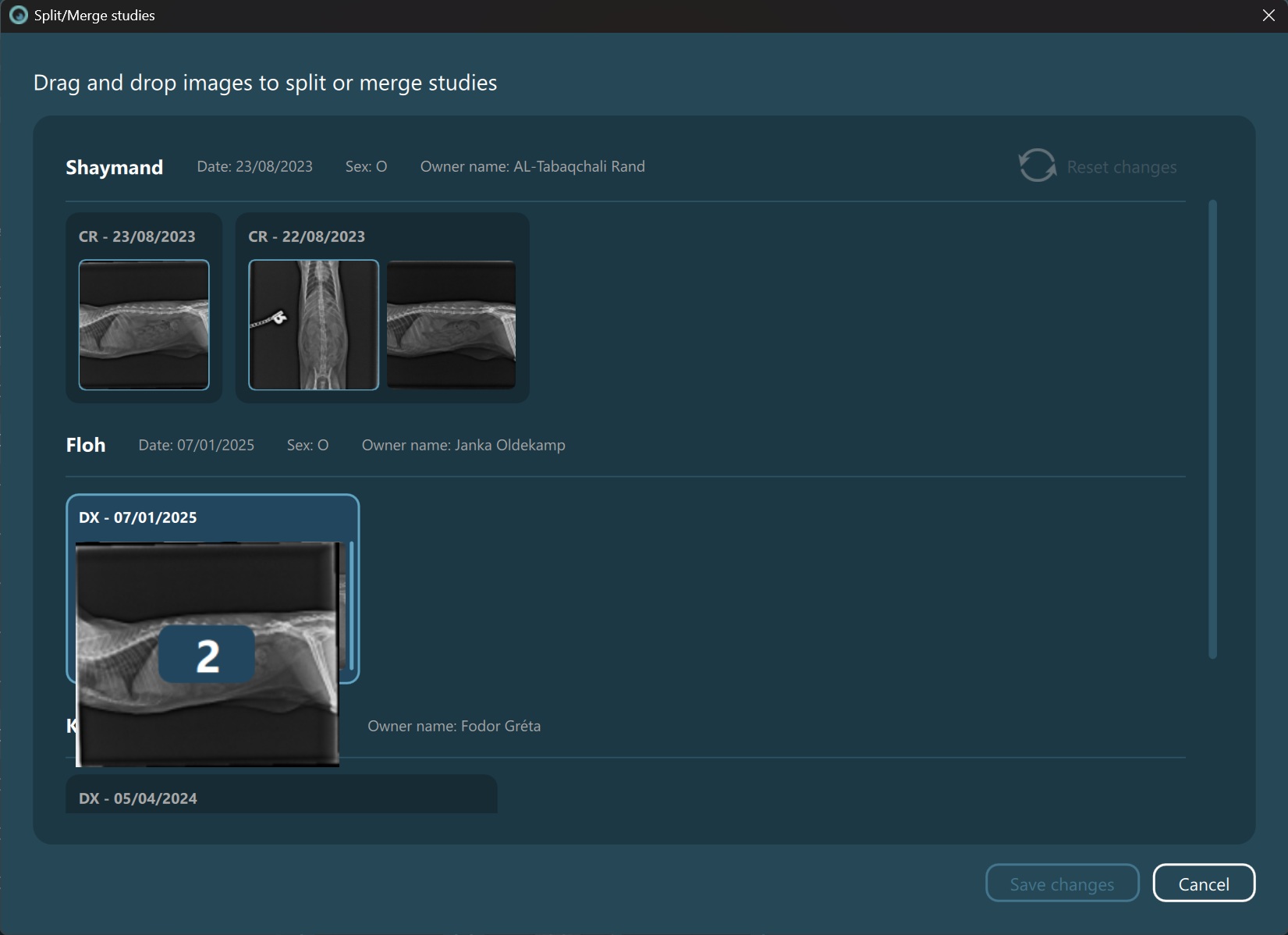
To reset the active changes in the dialog and go back to the original state, press the Reset changes button in the top right corner of the header section.
Save the pending changes and confirm the updated studies by pressing the Save changes button. To cancel the pending changes and close the dialog, simply press the Cancel button and confirm your choice.